How do you plant and water a seed?
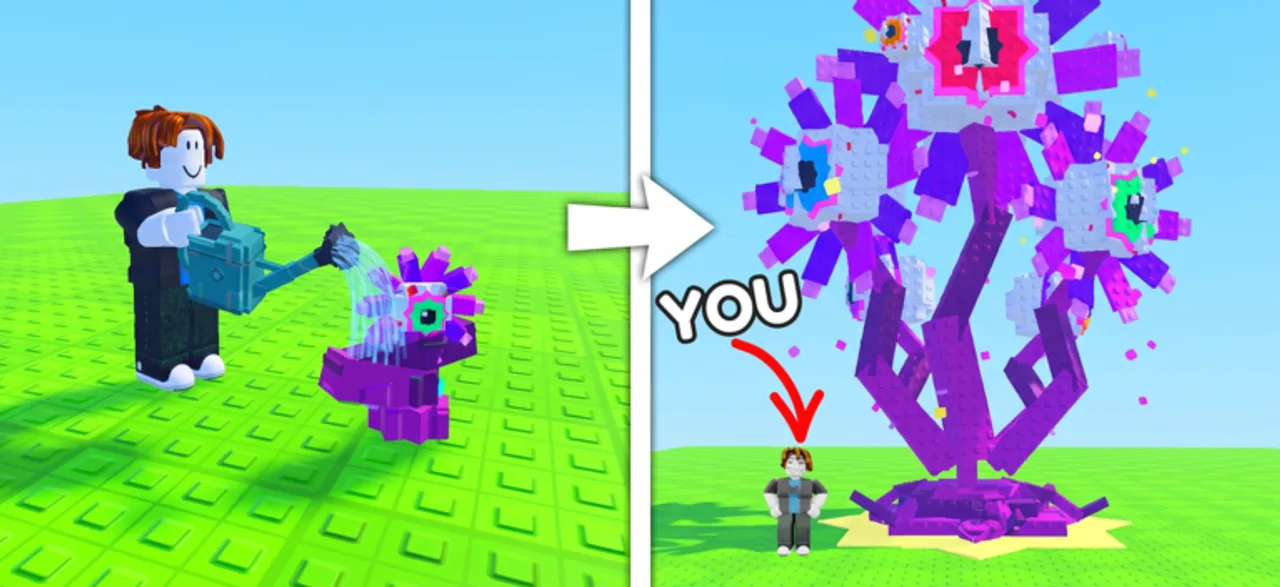
Open a seed pack to obtain a seed, return to your base and use the current planting interaction on your plot. Then use the watering interaction on the plant. Planting and watering are both explicit parts of the official game loop.
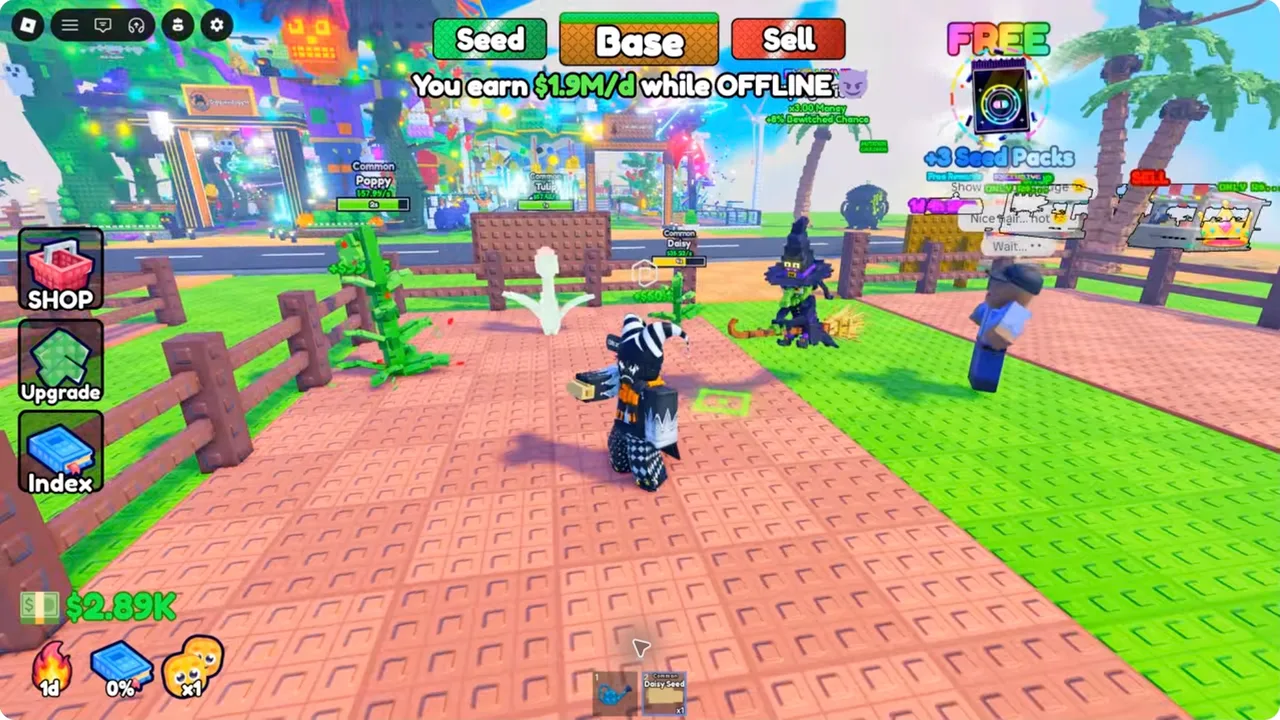
Daisy, Poppy and Tulip seed labels appear in the reviewed early-game footage. They identify examples of seeds in this experience, not an instruction to buy a particular pack or a claim about the best seed.
When nothing seems to happen
Check the selected item
Confirm that the selected inventory item is a seed for planting or the relevant watering item for watering. A pack and a seed are different stages of the loop.
Check the base and target
Return to your own base and choose an intended growing location or an already placed plant as appropriate. Use the visible placement or interaction feedback.
Try one input and watch
Activate once and look for a plant, a changed progress display or inventory change. This avoids confusing delayed feedback with a missing action.
Separate growth from earnings
Observe growth feedback and income feedback independently. A cash display alone cannot show whether a watering interaction registered.
How much faster does watering make plants grow?
A reliable universal watering multiplier or growth-time table has not been established for this guide. Do not apply a Grow a Garden watering-can percentage to Grow a Plant.
For a personal comparison, keep the plant type, bonuses and starting state the same and time the same visible growth milestone. Report the elapsed time and conditions together; a single boosted plant does not establish a base rate.
Questions answered
Which button should mobile players use?
Use the on-screen interaction shown in the current game. The official description confirms mobile support, but the reviewed source does not establish a permanent button location for every device.
Sources and evidence limits
- Grow a Plant — official Roblox experience
Supports the seed-pack, planting, watering, plant-income, visitor, base-upgrade, drone and rare/secret-plant loop. Does not publish exact pack odds, growth times, income tables or upgrade costs.
Accessed - Superlex Plays — Starting Over as NOOB with OP SECRET in Grow a Plant!
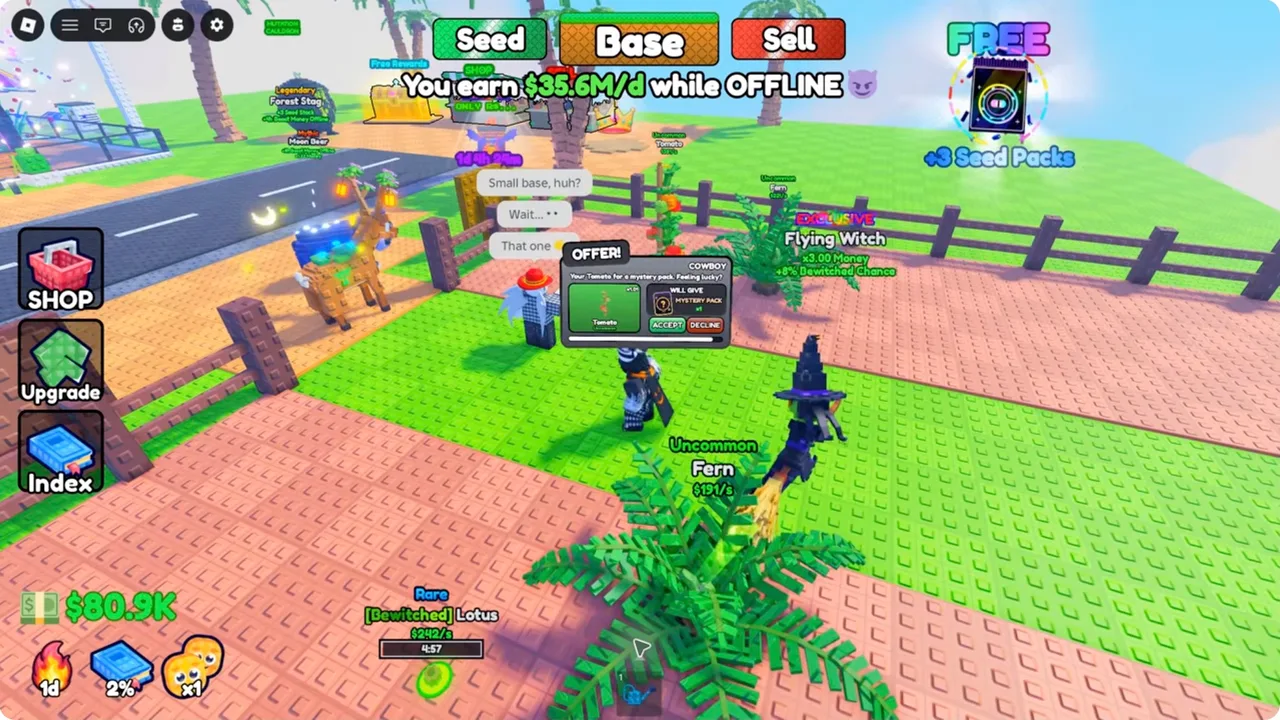
Observed gameplay from the target experience: Daisy, Poppy and Tulip labels at 0:00–1:09 and an Uncommon Fern Seed at 1:44; Seed/Base/Sell and Upgrade/Index controls. Account bonuses and shown earnings are not baseline plant statistics.
Accessed